





Explore More Possibilities for Your Business
Full-cycle scenario construction to meet your needs from App research, development, and release to operation.
Ready for your soaring growth
You update your app title, swap a screenshot, or revise your keyword field. Downloads shift. But did your ASO change actually cause it?
This is the central challenge of App Store Optimization in 2026. Changes are easy to make. Understanding their true impact is much harder.
ASO impact analysis is the discipline of measuring how specific store listing changes affect your app's visibility, conversion, and downloads. Without it, you are spending resources on optimization without knowing whether it is working.
FoxData's ASO impact analysis tools give you the structure to move beyond guesswork. They connect cause and effect with data you can actually act on.
This guide walks you through the full process. You will learn what to measure, how to measure it, and how to avoid the most common mistakes teams make.
The app stores have never been more competitive or more complex.
As of early 2026, the Apple App Store contains approximately 2.19 million apps, and Google Play hosts over 2 million. According to Statista, consumers are projected to download 143 billion apps from Google Play and 38 billion from the Apple App Store in 2026 alone.
Yet simply publishing is not enough. Research consistently shows that over 65% of App Store downloads begin with a user searching the store directly. If your app does not appear for the right queries, you are invisible to the majority of potential users.
The creative side of your listing is equally high-stakes. Industry data shows that well-optimized screenshots can lift page conversion by 20 to 35 percent. Apps that A/B test screenshots quarterly see 20 to 30 percent higher conversion rates than those that update annually. A single star improvement in your app rating can boost conversion by 10 to 15 percent.
The platforms themselves have also shifted. In 2025, Google moved its algorithm to weight retention and engagement over raw install volume. Apple introduced AI-generated App Store Tags and expanded Custom Product Pages to 70 per app, with CPPs now appearing in organic search results. Screenshot captions became indexable ranking signals.
Each of these changes affects what you should be tracking. And without proper app analysis tools in place, you will not know which of your actions drove any change.
ASO impact analysis is not simply checking download numbers after a change. It is a multi-layered evaluation across four interconnected areas.
Keyword Ranking Shifts
Every metadata update can alter how your app ranks for target keywords. Tracking positions before and after each change reveals whether your optimization improved discoverability or hurt it.
Impression and Visibility Metrics
Did more users see your app after the change? Impression data tells you whether ranking improvements translated into actual exposure. In 2026, this also includes visibility through AI-generated App Store Tags and CPP placements in organic search.
Conversion Rate Movement
Visibility only matters if users install. If impressions rise but installs stay flat, something in your creative assets or metadata is creating friction. Monitoring conversion rate before and after each change helps isolate where the problem lies.
Competitive Context
Your rankings do not exist in a vacuum. If your top competitors updated their listings during the same window, shifts in your position may reflect market movement rather than your own changes. Competitive benchmarking separates your impact from external noise.
FoxData is built for this kind of structured, evidence-based ASO work. Here is a step-by-step approach to running a full impact analysis.
Before making any update, document where you stand. Log your keyword rankings for every primary and secondary target term. Record your current conversion rate, impression volume, and install velocity. Screenshot your existing metadata and creative assets for reference.
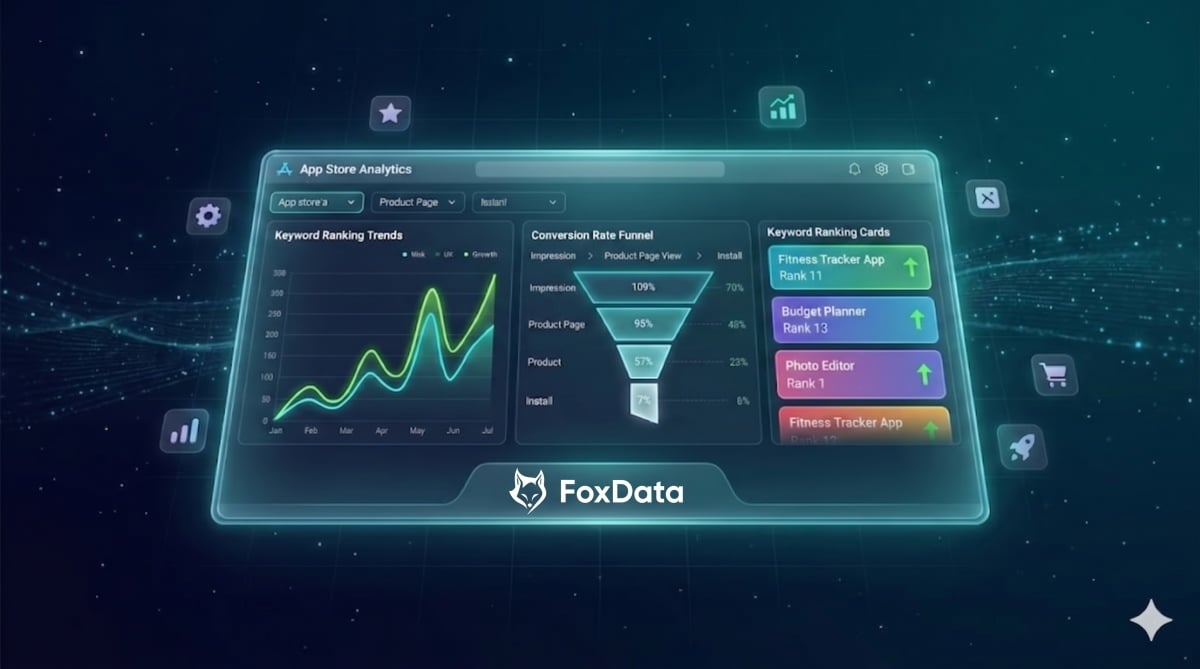
FoxData's keyword tracking dashboard allows you to monitor ranking positions over time. Set up tracking for all target keywords before you touch anything in the store.
This baseline is your control group. Without it, you have no reference point for measuring what your change actually did.
This is a discipline issue, not a tool issue. Changing your title, keywords, screenshots, and description simultaneously makes it impossible to isolate what caused any subsequent shift.
Test structured. Change one element per update cycle and give it time to register. Apple typically reflects metadata changes within 24 to 72 hours. Google Play can take one to two weeks for a full index update. Plan your analysis windows around these timelines.
Once your change goes live, use FoxData's keyword performance tracking tools to monitor daily ranking shifts across your target terms.
Look specifically for:
FoxData presents this data as trend lines, not just static snapshots. Velocity matters. A keyword that moved from position 18 to 12 in three days is more significant than one sitting at position 8 without movement.
Keyword ranking improvements are only valuable if they attract users who install. Pull your conversion rate data from your developer console and compare it to the pre-change baseline.
If rankings improved but conversion dropped, your updated creative assets may be misaligned with what users expect from those search terms. If conversion improved alongside rankings, the change is working on both levels.
Data shows that apps with Custom Product Pages see an average conversion rate boost of 5.9 percent, with generic campaigns reaching up to 8.6 percent. Use these benchmarks to calibrate whether your results are strong or underwhelming relative to the market.
Professional ASO teams maintain a structured log of every change made, when it was made, and what metrics shifted in the following two weeks. FoxData timestamps your data, so you can layer your change log directly over your performance timeline.
Over time, this log becomes a strategic asset. You accumulate documented evidence of which types of changes produce results in your specific category and market.
One of the most underused capabilities in ASO analysis is competitive benchmarking. If your keyword rankings improved after a metadata change but so did your top three competitors, the lift may reflect a broader algorithm update or seasonal shift rather than your own work.
FoxData's ASO impact analysis tools allow you to monitor competitors' keyword movement, creative updates, and store listing changes in parallel with your own. This context is what separates accurate attribution from educated guessing.
Even experienced teams fall into these traps. Avoiding them will sharpen the quality of every analysis you run.
Mistake 1: Pulling Data Too Soon
Analyzing results 48 hours after a change almost always produces misleading numbers. Apple needs time to fully index metadata and recalculate rankings. Google Play typically takes one to two weeks. Wait at least 10 to 14 days before drawing conclusions, and up to three weeks for high-volume or seasonal apps.
Mistake 2: Ignoring External Variables
A competitor's major creative overhaul, an app store featuring placement, or a viral moment can all move your metrics without your ASO changes being the cause. Always review what else happened in your category during the analysis window. FoxData's market intelligence layer helps surface these events automatically.
Mistake 3: Tracking Everything with Equal Weight
Monitoring every available metric without prioritization leads to decision paralysis. Define two or three primary success metrics before you make any change. For metadata tests, prioritize average keyword rank. For creative tests, prioritize conversion rate. Define your KPIs first, then measure.
Mistake 4: Concluding from a Single Data Point
One strong week does not validate a change. Algorithms fluctuate. Traffic varies. Look for sustained trends across at least two full index cycles before committing to a direction. Consistency separates genuine improvement from noise.
Mistake 5: Treating All Markets as Identical
A metadata change that lifts performance in the United States may perform differently in Japan, Brazil, or Germany. Each locale has its own keyword index, user search behavior, and visual preferences. If your app operates in multiple markets, analyze each independently. Research shows that apps with full localization across their top 10 markets achieve two to three times the downloads of single-listing apps.
Wait at least 10 to 14 days after any metadata update before drawing conclusions. Apple typically indexes changes within 24 to 72 hours, but ranking adjustments take longer to stabilize. Google Play's full index update can take up to two weeks. Pulling data too early leads to incomplete results.
Yes, but manage them separately. Native A/B tests run through Apple's Product Page Optimization or Google's Store Listing Experiments are controlled environments with their own data streams. Keep those tests running in parallel but analyze them independently from your standard metadata change tracking.
It depends on what you changed. For metadata updates, track keyword ranking shifts. For creative updates, screenshots, icons, or preview videos, track conversion rate. In both cases, monitor install volume as a final downstream outcome. Define your metric priority before you make the change, not after.
Native consoles provide download and impression data but offer limited keyword tracking history and no competitive intelligence. FoxData layers keyword ranking trends, competitor benchmarking, and market-level context on top of that foundation. This gives you the complete picture needed to make accurate attribution calls.
ASO impact analysis is not a luxury for large teams with big budgets. It is a foundational practice for any app or game competing seriously in the App Store or Google Play in 2026.
The platforms are more complex than ever. AI is reshaping search. Retention now drives rankings on Google Play. Custom Product Pages are influencing organic discovery on iOS. In this environment, making store listing changes without a measurement framework is genuinely costly.
The process does not have to be complicated. A clear baseline, disciplined change isolation, and consistent metric tracking are enough to build powerful analytical habits that compound over time.
Ready to take control of your app store performance? Start with a structured measurement approach using FoxData's ASO impact analysis and app analysis tools — and turn every store listing change into a strategic, data-backed decision.
© 2020-2026 FoxData. All Rights Reserved.



