





Explore More Possibilities for Your Business
Full-cycle scenario construction to meet your needs from App research, development, and release to operation.
Ready for your soaring growth
The to-do list app category is booming. The global market was valued at over $1 billion in 2024 and is projected to nearly double by 2030. Over 312 million users worldwide reported using a digital task management app in 2024. That number rose 43% in just two years.
But growth in the category does not guarantee growth for your app. More users means more competition. More competition means your store listing needs to work harder. Ranking well, converting browsers into downloaders, and retaining users are three separate battles. Each one requires its own strategy.
This guide breaks down exactly how to scale a to-do list app in a market that is growing fast but getting more competitive every month.
Visibility is everything in a saturated market. According to Apple Search Ads data, 70% of App Store users rely on search to discover new apps. Another 65% of all downloads happen immediately after a search. If your app is not ranking for the right keywords, those users will never see you.
The productivity category is particularly keyword-sensitive. Users searching for a "to-do list app" have specific intent. They know what they want. Your job is to appear when they search, then convert them once they land on your page.
Research shows that apps ranked in the top three positions for a given keyword capture roughly half of all downloads for that term. Anything past position ten drives almost no traffic. This means keyword placement is not just about visibility. It is about survival.
The market is shifting in ways that create both opportunity and risk for productivity app developers.
Collaboration-enabled to-do list apps saw download growth of 28% in 2024. That signals strong user demand for shared task features. AI-powered suggestions are now used by 55% of active productivity app users. Cloud-based deployments now account for 74% of total market deployments.
These are not just trends. They are signals that should inform your ASO metadata, your feature roadmap, and your store listing messaging. If you are not tracking these movements through proper productivity app analytics, you are guessing.

Discover how FoxData enhances data protection and security standards to keep your analytics safe and reliable.
Keyword research is the foundation of any solid to-do list app growth strategy. Start by identifying three layers of keywords.
The first layer is high-volume primary terms. Think "to-do list," "task manager," or "daily planner." These are competitive but necessary. Rank for them and your installs spike. Miss them and you are invisible to your largest potential audience.
The second layer is mid-tail keywords. Terms like "work task tracker," "team to-do app," or "daily habit planner" have lower competition but meaningful volume. These are where apps with smaller budgets often find their best wins.
The third layer is long-tail, intent-specific keywords. Phrases like "to-do list with reminders and subtasks" attract users who already know what they want. Conversion rates for these terms are significantly higher than generic terms.
For the App Store, your 100-character keyword field is hidden from users but fully indexed by the algorithm. Every character matters. Avoid repeating words that already appear in your title or subtitle. Use all available space with unique terms.
For Google Play, keywords in your title, short description, and long description all contribute to ranking. The first 80 characters of your short description are especially important.
Getting found is only half the job. Your store listing must also convert impressions into installs.
Start with your app icon. It is the first thing users see in search results. A clean, recognizable icon that signals productivity and organization is essential. Test multiple variations if your platform allows it.
Your screenshots should tell a story, not just show features. Use the first screenshot to communicate your core value in three seconds or less. Show the app in action. Highlight the features users care about most: reminders, subtask management, collaboration, or syncing across devices.
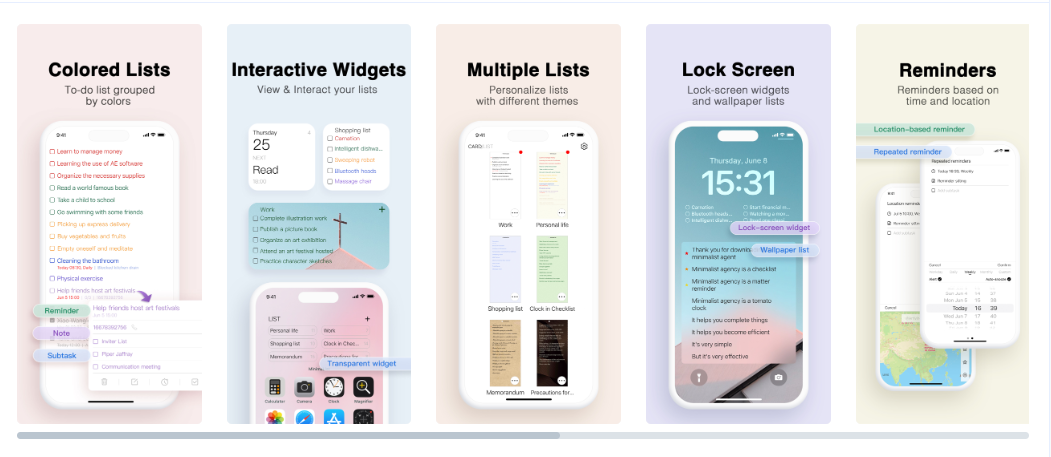
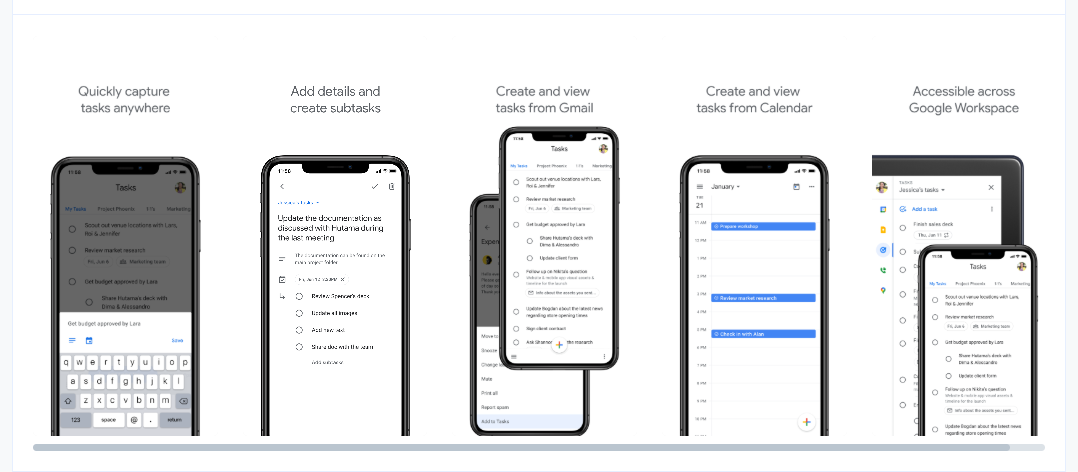
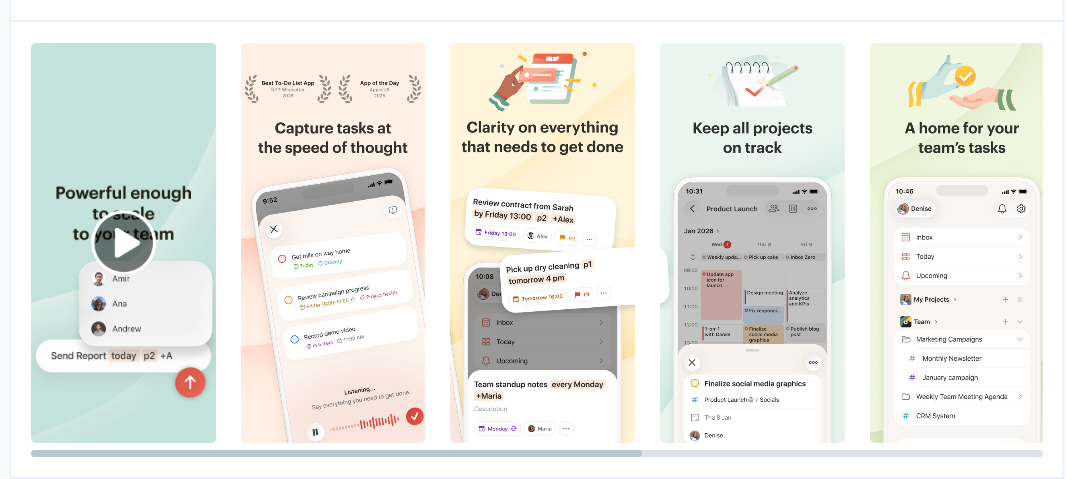
Preview videos significantly improve conversion rates when done well. Show real user flows, not just a branded montage. Demonstrate how the app fits into a real workday.
Ratings and reviews matter more than many developers realize. Apps with 4.5 stars or higher perform noticeably better in algorithmic ranking and user trust. A strategic in-app review prompt, triggered after a user completes a task or achieves a streak, converts at 10 to 15% of prompted users. That is a meaningful improvement in your review velocity over time.
The Asia-Pacific region now accounts for roughly 30% of the global to-do list app user base. India and Southeast Asia alone saw more than 67% of new downloads from first-time users in 2024. Europe holds approximately 26% of global market share.
Localization is not just translation. It means adapting your screenshots, messaging, and keyword strategy for each market. Research shows that apps with localized store listings in ten or more markets see 35 to 50% higher overall conversion rates. That is a significant return on a manageable investment.
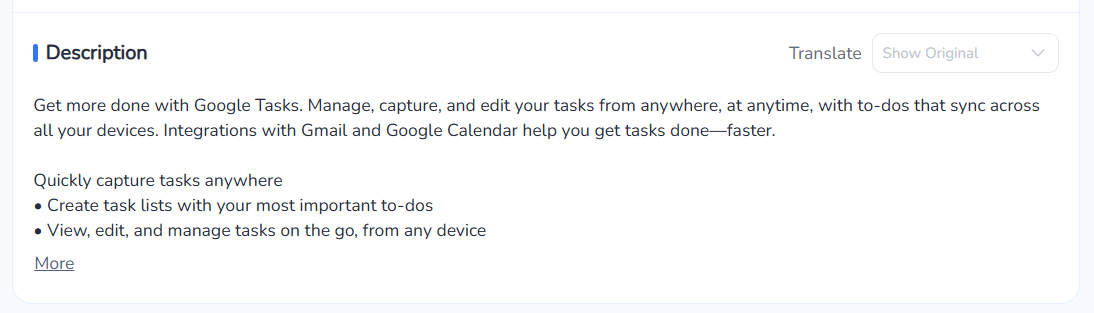
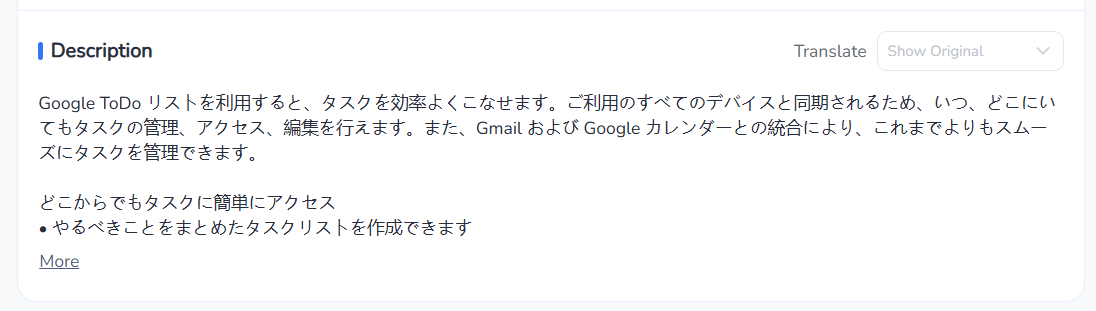
A well-executed localization strategy, supported by market-specific keyword research and localized screenshots, can unlock download growth without increasing your paid acquisition spend.
Apple Search Ads and ASO are most effective when they work together, not separately. This matters more than ever in 2026. Starting March 3, 2026, Apple expanded its App Store search ads from a single top placement to multiple sponsored positions throughout search results, rolling out globally by the end of March.
That means paid ads now appear mid-results and further down the page, not just at the top.
For productivity apps, this is a direct threat to organic visibility. More ad slots mean organic listings get pushed further down for high-intent searches like "to-do list app" or "task manager." A strong organic ranking alone no longer guarantees prominent placement on the results page. Your ASO and paid strategy must now work as a single system.
Bidding on keywords where your app ranks poorly organically is often more efficient than bidding on terms where you already rank in the top three. That way, paid and organic work in complementary lanes. Both channels benefit from a well-optimized product page. A higher conversion rate on your store listing improves both paid and organic performance simultaneously.
And with Apple's algorithm continuing to prioritize relevance over bid size, your metadata quality directly determines whether your app even enters the auction.
A growing number of users are now asking AI assistants like ChatGPT, Perplexity, and Google AI Mode for app recommendations before they ever open an app store. Industry data shows that over 40% of users now consult AI assistants for app recommendations before visiting app stores. Yet fewer than 15% of apps have taken any steps to optimize for this channel.
For a to-do list app, the implication is clear. If a user asks an AI assistant for the best task manager for remote teams, the apps that surface in that answer are shaped by how well they are represented across the web, in reviews, in press coverage, and in content. Your App Store listing alone is not enough.
Build a consistent web presence that reinforces your app's core use cases, target audience, and key features.
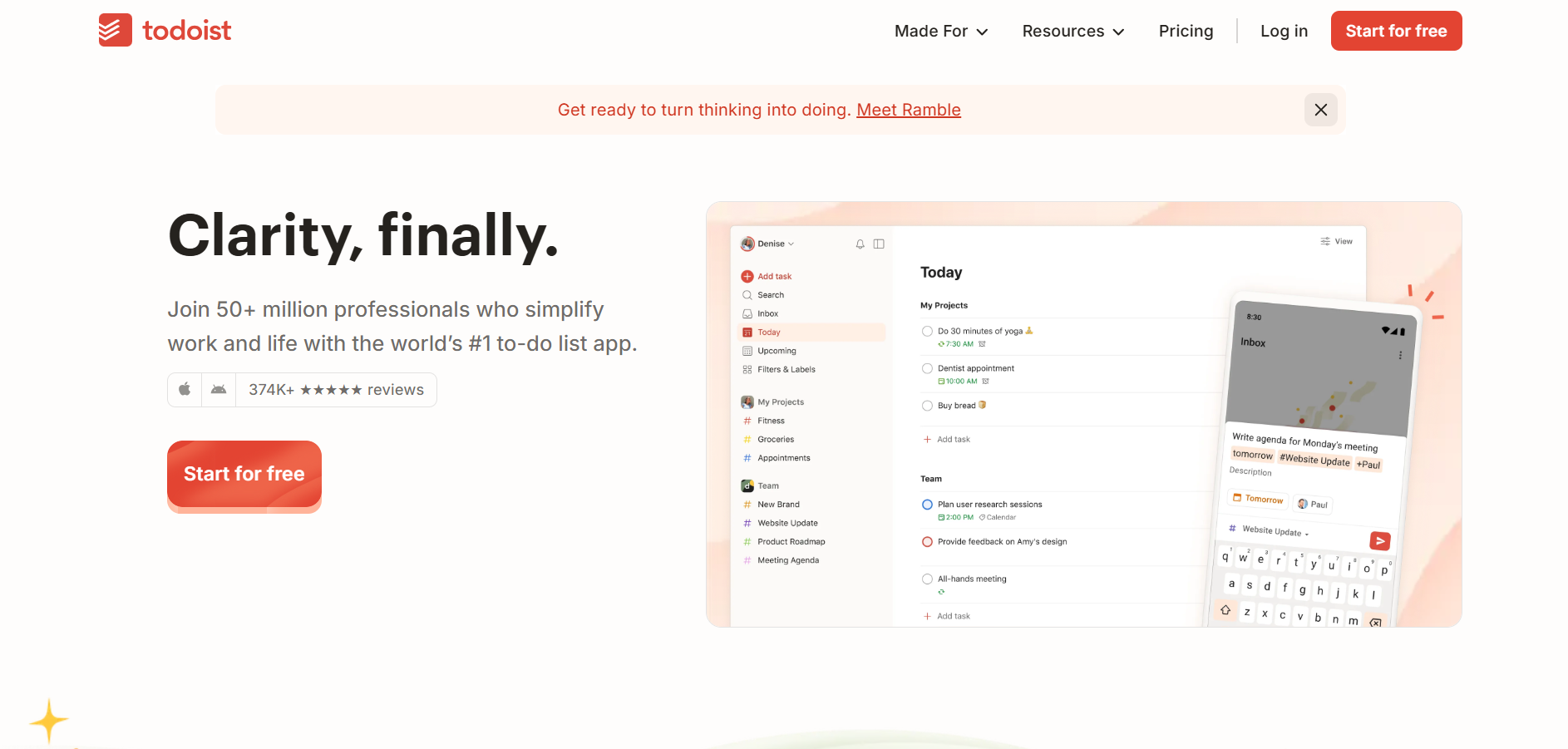
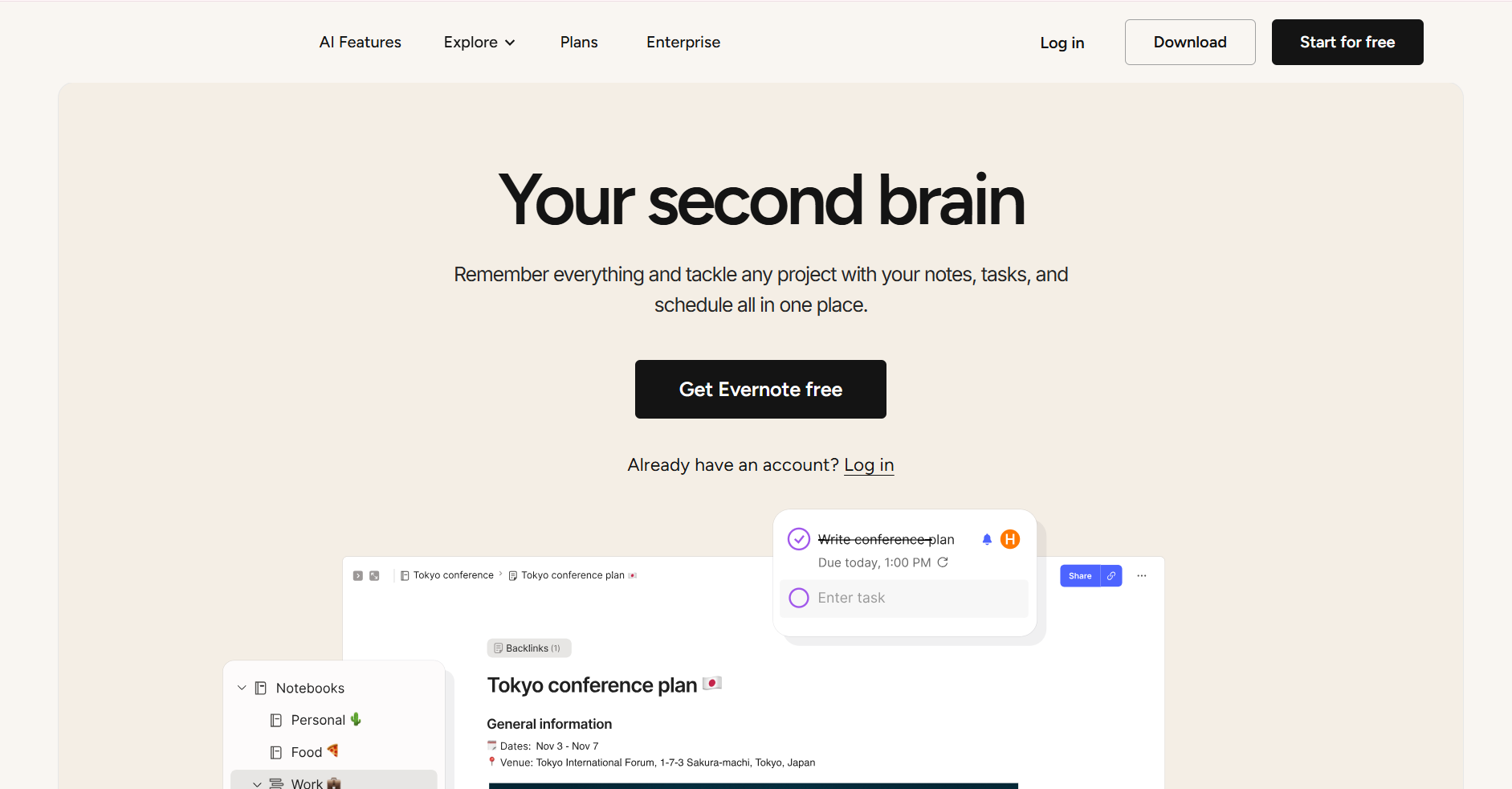
The apps that win in AI-generated recommendations tend to be those with strong brand signals across multiple sources, not just a well-optimized store page.
The strategies above only work if you have reliable data behind every decision. That is where a dedicated analytics and ASO platform becomes essential.
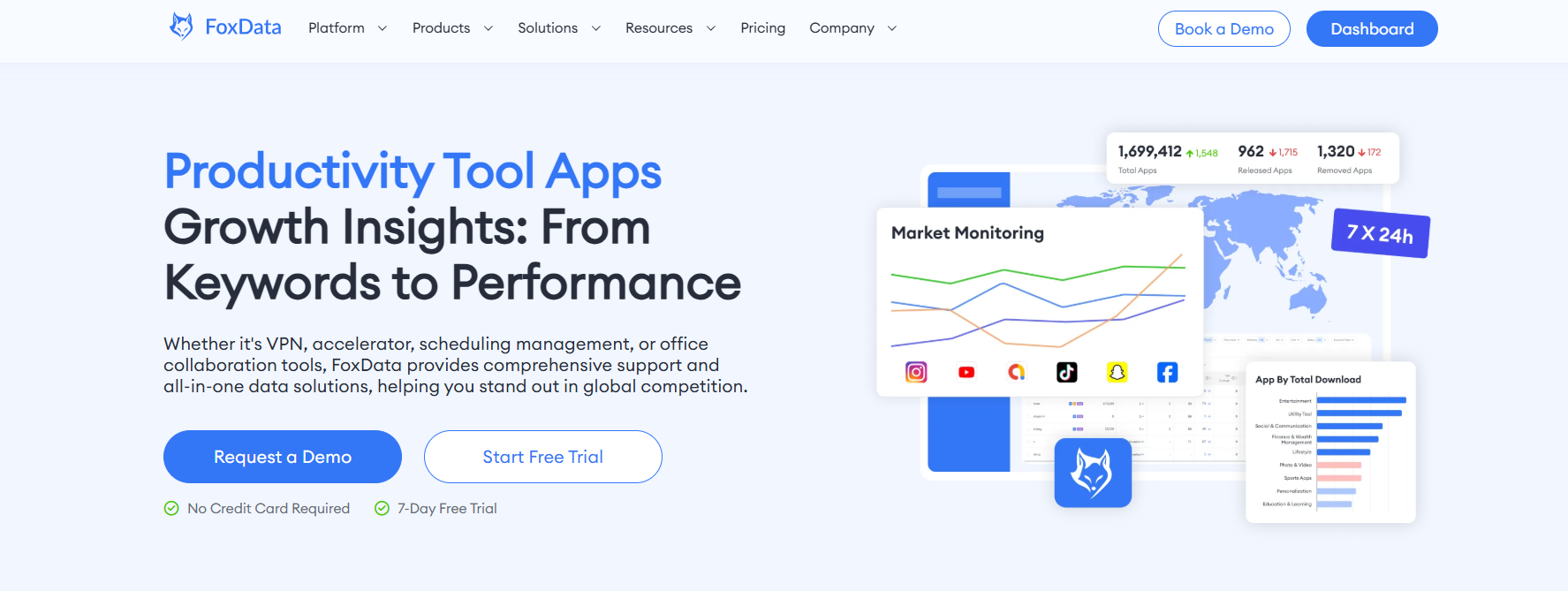
FoxData's productivity app analytics and ASO solutions give developers and marketers the market intelligence to make smarter decisions at every stage of growth. Instead of guessing which keywords to target, you can see exactly how competitors are ranking and identify gaps in their strategies. Instead of releasing a new screenshot set and hoping for the best, you can A/B test and measure what actually drives installs.
Specifically, a capable platform should help you do the following. First, track keyword rankings daily across both the App Store and Google Play. Productivity keywords shift frequently, especially around seasonal trends like New Year goal-setting or back-to-school planning.
Second, monitor competitor positioning. Knowing when a competing app rises or falls in ranking tells you when to act.
Third, analyze conversion rates at each stage of your store funnel, from impression to product page visit to install.
Fourth, identify review sentiment trends that signal product issues before they damage your overall rating.
Developers using data-driven productivity app ASO tools can identify winning keyword combinations faster, test creative assets more systematically, and allocate paid budgets more efficiently. The result is lower cost per install, better retention, and more predictable growth.
Many developers default to chasing the most popular terms. "To-do list" and "task manager" sound like obvious wins. But they are also the most contested keywords in the category. Apps without significant download velocity or strong ratings rarely rank well for these terms early on.
A better approach is to build momentum through mid-tail and long-tail keywords first. Use those rankings to build review velocity and download history. Then compete for broader terms from a stronger position.
App store algorithms are not static. Seasonal trends, competitor updates, and platform algorithm changes all shift the landscape continuously. An app listing optimized six months ago may already be underperforming.
Keyword reviews and creative asset refreshes should happen on a regular cycle. Updating metadata approximately every four weeks gives the algorithm enough time to register changes and for ranking impacts to become measurable.
Downloads are a vanity metric if users churn within days. Research shows that nearly 80% of users abandon a new app within the first three days. For a to-do list app, this often happens when onboarding is unclear or the app fails to demonstrate value quickly.
Your ASO strategy should be informed by retention data. If users drop off on day two, your screenshots may be setting incorrect expectations. If users who try collaboration features stay significantly longer, that is a signal to feature collaboration more prominently in your store listing.
On the App Store, repeating a keyword in both your title and keyword field wastes valuable metadata space. Each term only needs to appear once across your indexed fields. Use that space for additional unique terms to broaden your keyword coverage.
Scaling a to-do list app is not about building more features and hoping users find them. It is about building a visibility system that surfaces your app to the right users, converts them efficiently, and retains them long enough to matter. Every element, from your keyword list to your screenshots to your review strategy, needs to be grounded in real data.
The market is growing. Competition is growing faster. The apps that win will be the ones that treat growth as a measurable, optimizable system rather than a product launch followed by waiting.
Ready to stop guessing and start growing? Explore FoxData's productivity app ASO and analytics solutions and build a data-driven strategy that scales with your app.
Q: How often should I update my to-do list app's ASO keywords?
Aim for a keyword review every four to six weeks. Allow enough time after each update to measure ranking impact before making further changes. Seasonal shifts, like increased "goal tracker" searches in January, also warrant timely adjustments.
Q: What is the most important ASO element for a productivity app?
The app title carries the most ranking weight on both the App Store and Google Play. Include your primary keyword naturally in the title. Follow that with your subtitle and, for iOS, your 100-character keyword field. All three fields work together to determine your search ranking.
Q: How do ratings and reviews affect my app's visibility?
Ratings influence both algorithmic ranking and user conversion. Apps with higher average ratings are favored by both the App Store and Google Play algorithms. Strategically timed review prompts, triggered after positive in-app actions, help build a consistent flow of high-quality reviews without violating platform policies.
Q: Should I worry about AI assistants recommending my competitors instead of my app?
Yes, this is a real and growing concern. Over 40% of users now ask AI assistants for app recommendations before visiting an app store. Apps that are well-represented across the web through reviews, press coverage, and content tend to surface more frequently in AI-generated answers. Your store listing alone is not enough.
A broader web presence that clearly communicates your app's use case and audience strengthens your visibility in this emerging discovery channel.
Q: Should I run Apple Search Ads even if my app has strong organic rankings?
Yes, especially now. Since March 2026, Apple displays multiple sponsored placements within search results, not just one at the top. This means organic listings face more competition for on-screen space than before. Even strong organic rankings can lose visibility to paid competitors.
Running Apple Ads alongside ASO protects your share of high-intent search traffic and captures users at multiple touchpoints on the results page.
Ready to make your app shine? Optimize your app's visibility with FoxData, the ultimate mobile app analytics and ASO tool! Maximize downloads and rankings by leveraging our powerful insights today.
App Growth & ASO Tools by FoxData
FoxData supports every stage of app growth with specialized ASO and app analytics tools, helping teams improve keyword visibility, user acquisition, and retention through reliable data.
🔍 Store Keyword Research Tools
Research high-intent keywords, search volume, and competition to strengthen your app store optimization strategy.
📈 App Store Keyword Tools
Analyze keyword rankings and performance across the Apple App Store and Google Play to refine ASO execution.
📊 ASO Monitoring Tools
Monitor keyword ranking changes, visibility trends, and ASO impact over time with continuous performance tracking.
👥 User Activity Monitoring Tools
Understand in-app user behavior, engagement, and retention with real-time user activity analytics.
Together, these tools form FoxData’s ASO analytics and app intelligence ecosystem, designed to help developers, marketers, and growth teams make data-driven decisions and scale sustainably.
Explore it today!
👉 Learn more about FoxData here | 👉 Book a demo with FoxData team today!
© 2020-2026 FoxData. All Rights Reserved.



