




Explore More Possibilities for Your Business
Full-cycle scenario construction to meet your needs from App research, development, and release to operation.
Ready for your soaring growth
When your Apple Search Ads budget just won’t spend, it’s not always your bid — it’s your visibility strategy.
You launch a new campaign.
The budget’s set, keywords look solid, bids are competitive.
Then… nothing.
Apple Search Ads (ASA) barely spends half your daily cap. Impressions trickle in, installs don’t move, and you’re left wondering:
“Did I set this up wrong — or is everyone else just taking all the traffic?”
This is one of the most common frustrations among app growth teams — from indie developers to established publishers.
And in most cases, the cause isn’t technical. It’s strategic blindness: not knowing how your visibility, competition, and keyword overlap actually look in real time.
That’s exactly where FoxData turns “guessing” into precision.
|
Problem |
What It Looks Like |
Why It Happens |
|
Overcrowded Keywords |
“We’re bidding but not showing.” |
Too many apps targeting the same high-volume keywords. |
|
Weak ASO Foundation |
“Apple isn’t showing my ad at all.” |
Metadata doesn’t match keywords → low relevance score. |
|
Misaligned Audience Signals |
“Our impressions stop after day 2.” |
CTR too low → Apple deprioritizes your ad in auctions. |
💡 The truth: bidding higher won’t fix this. Knowing where the problem lies will.
Use this checklist — no guessing, no coding, just click and adjust.
FoxData → Advertising → ASA Keywords → Bidding Keyword Breakdown
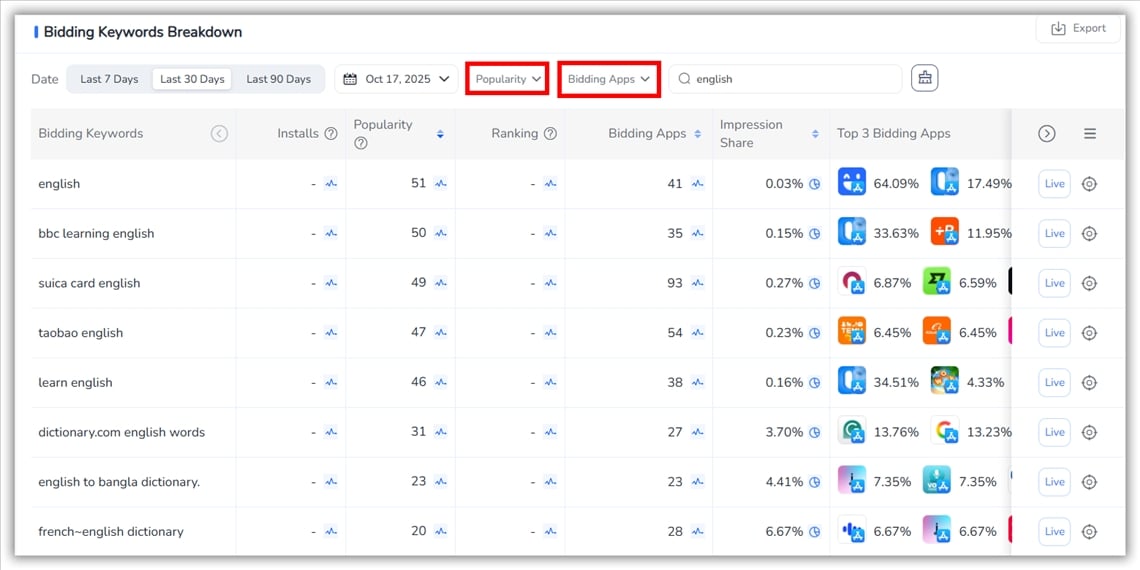
Action (5–10 min):
What you’ll see: who’s bidding, impression share drops, and whether your seed keywords are “no-chance” because major apps dominate them.
FoxData → ASA Keywords → click a keyword → Keyword Explore
Action (10–20 min):
Why it works: Long tails often convert better and have stable CPTs, especially for niche features (e.g., “IELTS speaking coach”).
Metric to watch: CPT trend, Bidding App Count, and estimated conversion potential.
ASA’s secret rule: metadata alignment boosts relevance.
Fix mismatches → CTR rose 22% for our education app after adding “English tutor” to the title.
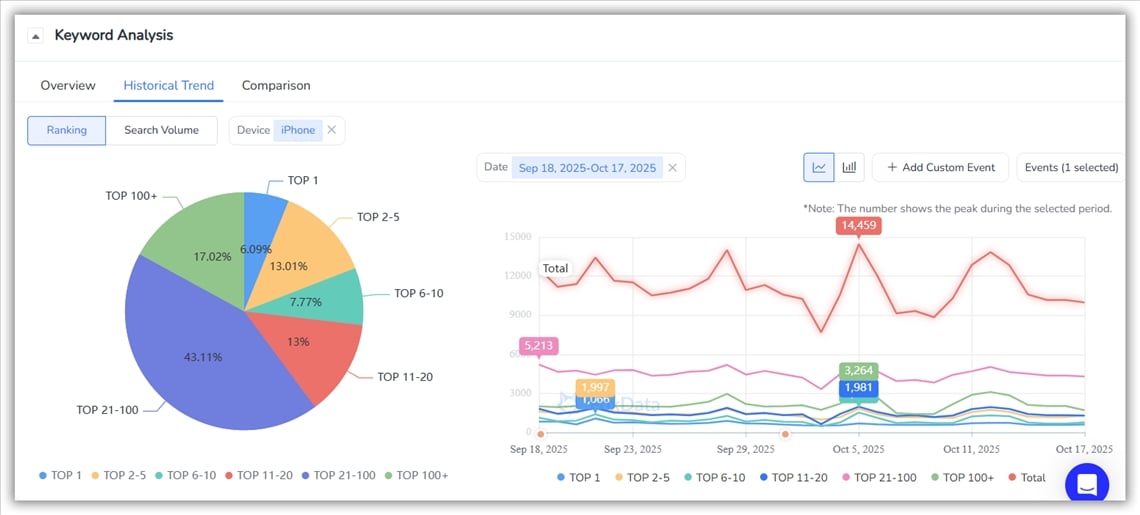
Action (ongoing):
Why it’s decisive: Competitive moves explain sudden CPT spikes — and FoxData tells you when to act or pivot.
Metric to watch: Competitor bid entries, impression share change.
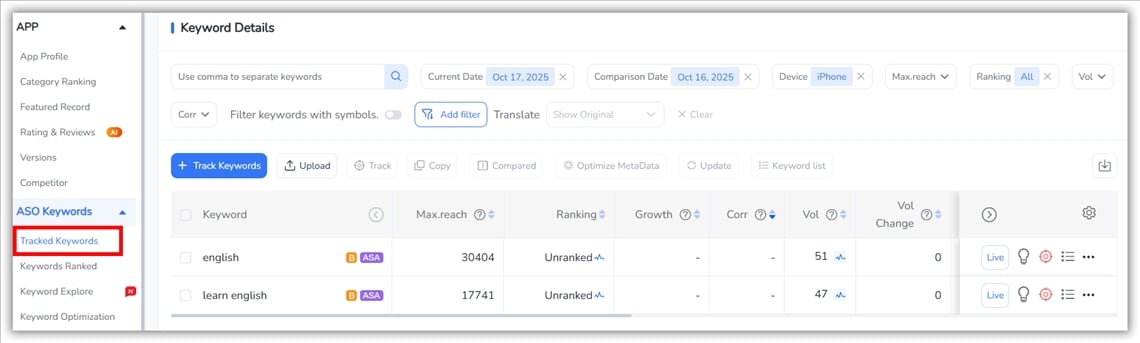
Action (weekly):
Why it matters: ASA + ASO is iterative. The compounding effect of repeated, measured wins beats sporadic fire-fighting.
Metric to watch: installs, CPA, organic lift for targeted keywords.
Before you raise your bids, ask yourself:
☐ Do I know which keywords my competitors just moved into?
☐ Do I see real-time CPT volatility?
☐ Is my ASO actually aligned with my ad groups?
☐ Am I wasting impressions outside peak conversion hours?
☐ Can I track how metadata changes affect my ASA results?
If you checked ❌ on any — you’re flying blind.
FoxData gives all of these in one integrated dashboard.
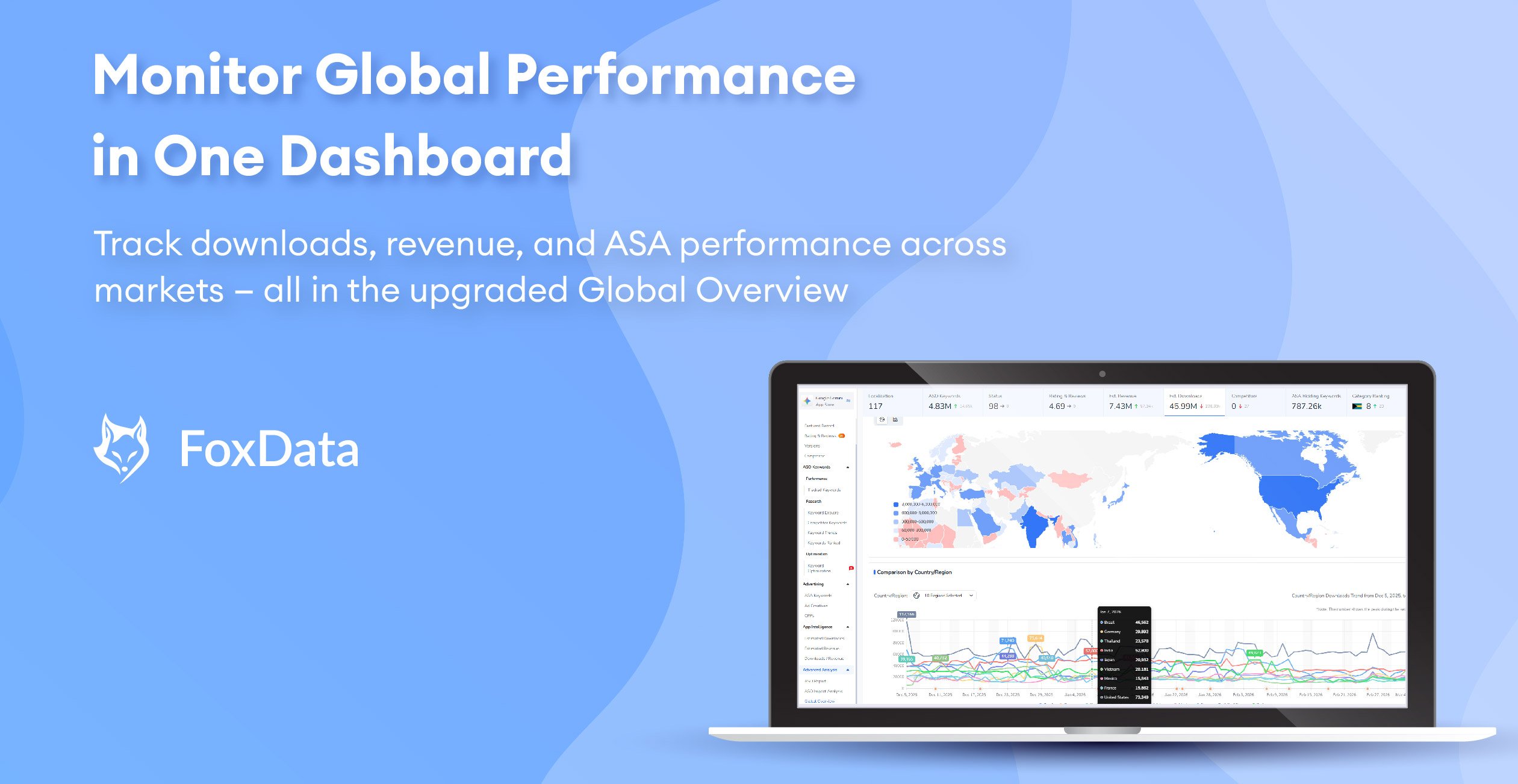
Get the latest updates in Global Overview, with all features included in the $159 package—track global app trends with ease and explore now!
|
Developer Mindset |
Common Mistake |
FoxData Fix |
|
“ASA = set and forget.” |
No daily visibility into competition changes. |
Daily keyword volatility alerts. |
|
“Just raise bids.” |
Burns through budget on saturated keywords. |
Real-time competitive density scoring. |
|
“We’ll check ASO later.” |
Poor metadata relevance kills impressions. |
ASO & ASA integrated reports. |
If your ASA campaign isn’t spending, don’t panic — analyze smarter.
FoxData shows:
No theory. No guesswork. Just visibility → action → conversion.
You don’t need to be a data scientist — FoxData translates complex ASA data into simple, visual next steps.
Your budget shouldn’t sit idle — it should work smarter.
Let FoxData show you:
✅ Where your bids are blocked
✅ Which keywords to pivot to
✅ When to optimize for maximum return
👉 Continue your growth journey with FoxData and turn every ad dollar into measurable growth.
© 2020-2026 FoxData. All Rights Reserved.



