





Explore More Possibilities for Your Business
Full-cycle scenario construction to meet your needs from App research, development, and release to operation.
Ready for your soaring growth
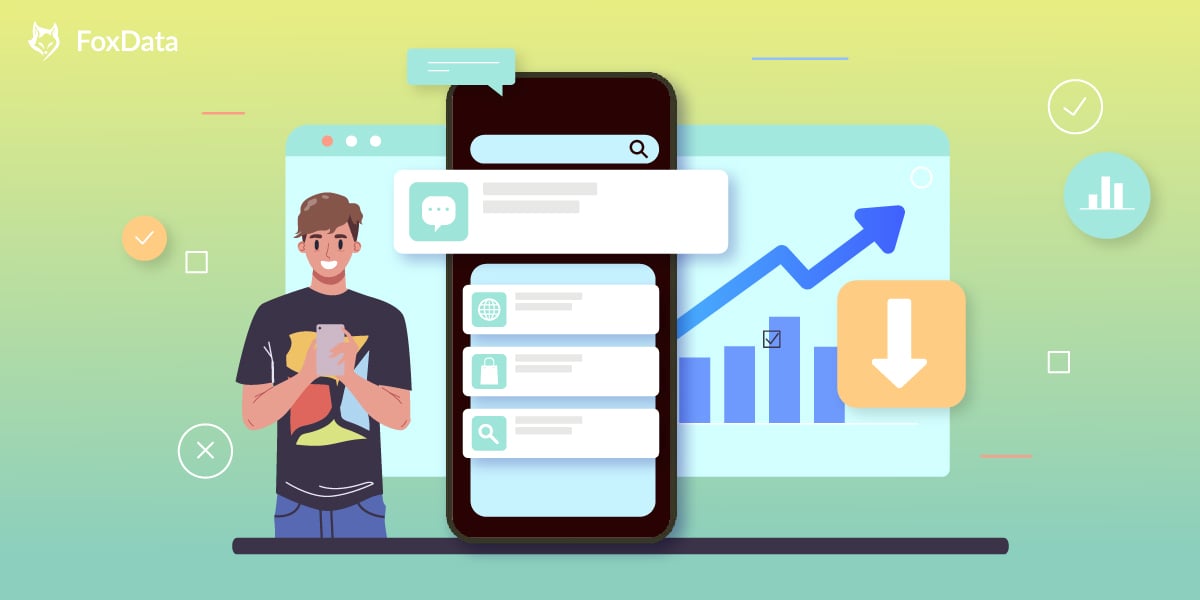
Among the many app promotion channels, organic traffic is one of the most stable and cost-effective sources.
But do you know whether your app's organic conversion rate performance in the App Store is "excellent," "average," or "needs intervention"?
Today, we will comprehensively analyze it for you based on data submitted by a real developer:
The developer shared the following organic traffic conversion funnel on Reddit:
Judging from the overall conversion rate, the 7% performance is close to the industry upper limit, but it also exposes some optimization space.
With 6 years of experience in the ASO industry, I can responsibly tell you:
✅ Impression → Install >7% = Acceptable (the excellent line is above 10%)
✅ Page View → Install >45% = Normal preference
⚠️ Impression → Page View close to 15% = There is a lot of room for improvement! Why is the Impression → Page View ratio so critical?
It reflects whether your "attractiveness" is strong enough - that is, whether the title, subtitle, icon, rating, etc. in the search results can immediately catch the user's eye.
For example:
Two products have similar functions, but one has a gentle and cute icon + hits the "idea" (for example: record breastfeeding time), and the other uses a general illustration + no subtitle. Ultimately, the first one's click-through rate may increase by more than 50%.
Product 1️⃣ :
Product 2️⃣ :
Let's break down the optimization process:
Why do two products exhibit significant conversion rate differences despite both featuring product descriptions on their App Store detail pages?
What accounts for these disparities in writing style? Where do developers "drop the ball" on key aspects, thereby missing conversion opportunities?
Product A: Be Focused – Focus Timer
Product B: Forest – Focus for Productivity
🟡 Similarities (Functionality):
Staying on task seems is a real challenge for our screen-bound generation. The Be Focused lets you get things done by breaking up individual tasks among discrete intervals, separated by short breaks. It’s a surprisingly effective way to retain motivation and focus. Create tasks, configure breaks and track your progress throughout the day, week or custom period. Use Be Focused on your iPhone, iPad, or Mac — everything stays perfectly in sync.
Task Management
"In order to establish new, better habits, it's helpful to engage with tools that make it easier to reinforce them. For anyone looking to curtail their phone usage, the Forest app might be for you."— Business Insider
If you want to temporarily put down your phone and focus on what’s more important in real life, you can plant a seed in Forest. As time goes by, this seed will gradually grow into a tree. However, if you cannot resist the temptation of using your phone and leave the app, your tree will wither.
The sense of achievement and responsibility will encourage you to stay away from your phone, and will help you make better use of your time. Stop getting distracted by your phone, make you self-motivated and get more things done.
Stay focused, Be present!
STAY FOCUSED
Forest (Product B):
* Consistently in the Top 10 of global personal productivity app charts on the App Store.
* Received Apple's Editor's Choice.
* Average download conversion rate is much higher than similar Pomodoro apps (long-term >10% is above industry standards).
Be Focused (Product A):
* Still highly rated, but with high chart volatility and no significant growth.
* Limited long-term growth according to third-party data platforms (e.g., SensorTower or AppMagic).
These two products remind us that even with nearly identical features, an app can significantly improve the conversion efficiency from Page View to Install by establishing user recognition through "emotional penetration + design mechanisms + social trust + brand language" in the Store description.
While the other app can also "use Pomodoro timers," it fails to provide a reason for users to stay because it only describes "what you can do" instead of "what kind of person you will become."
---
If you're planning App Store page optimization, I recommend using data platforms like FoxData:
* Compare the conversion efficiency of multiple products (Impression → View → Install data).
* Analyze whether current keywords and main images match user expectations.
* Monitor the conversion performance of description copy in different countries/languages.
📣 Click here to immediately enter the FoxData page and start your ASO data optimization journey.
🔍 "Where does your keyword rank?
FoxData helps you find high-search-volume, low-competition golden keywords!"
➤ "Monitor What Matters Most"
➤「Track Live Health Reading including Pulse Rate & Oxygen」
➤ 「View Health & Sleep Trends」
Incorporate social proof: such as "We are trusted by 21 Million Families Worldwide!" to build trust.
When conducting optimization experiments, avoid making drastic changes without data. Data testing + A/B testing are crucial. You can try:
Leverage FoxData's ASO Keywords feature to effortlessly monitor and optimize.
Many developers ask:
After implementing these changes, I'm still unsure which screenshot combination is best? Which keywords perform the best? Are there shortcomings in the product's core functionality?
🚀 In this regard, we've conducted extensive data validation, using Baby Tracker as our primary research subject.

The developers addressed users' core pain points with the following features, significantly boosting in-app retention and registration conversion rates:
💡 All features aim to help "new parents" truly save time, reduce stress, and build long-term trust.
📣 Want to see how we continuously optimize conversion rates and user experience with FoxData?
Good organic performance ≠ no room for improvement; poor ASA results ≠ ineffective ad campaigns.
Grabbing key metrics + optimizing display strategies + deep feature integration to bind value are the core paths to increase downloads & retention rates.
Next, start by optimizing subtitles, screenshots, and keywords to make each app display more "valuable."
—
If you like similar practical analysis, data strategies, and optimization suggestions, register for FoxData and follow our Blog.
We will continue to share:
📌 How to increase your app store conversion rate: ASO strategies for success
📌 ASA Bidding Strategies vs. Conversion Model Optimization
📌 ASO vs. SEO: key differences and why both matter for growth
© 2020-2026 FoxData. All Rights Reserved.



